


Point-It! Joystick: Accessories
Point-It! Joystick: Accessories
SKU: Code: UPK-Ca
Low stock
Couldn't load pickup availability


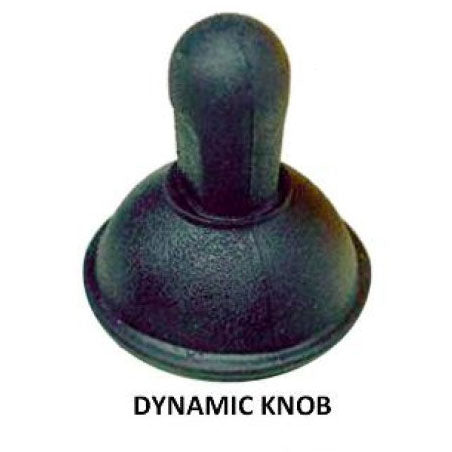
Several different knobs are available for the PointIt! Joystick range.
Several different knobs are available for the PointIt! PC Joystick, Point-It! Wireless Joystick or the Point-It! mini. Note however, that if you wish to change the knob fitted to your PointIt! joystick, you must make sure the PointIt! joystick you ordered initially comes with the Ball Knob. The Ball Knob can be then removed and one of these replacement knobs below can be fitted.
If you have a Point-It! joystick with the Standard Knob, these replacement knobs can not be fitted.
Dynamic Knob
This knob has a “skirt” around the base and is similar to standard wheelchair knobs. (formerly known as Q-Knob)
Carrot Knob
The standard “inverted carrot” shaped knob.
Chin Cup Knob
This knob makes chin control easier as the chin sits into a small cup.