


InPrint 3 ANZ
InPrint 3 ANZ
SKU: Code: WICOMPRIN301
Couldn't load pickup availability


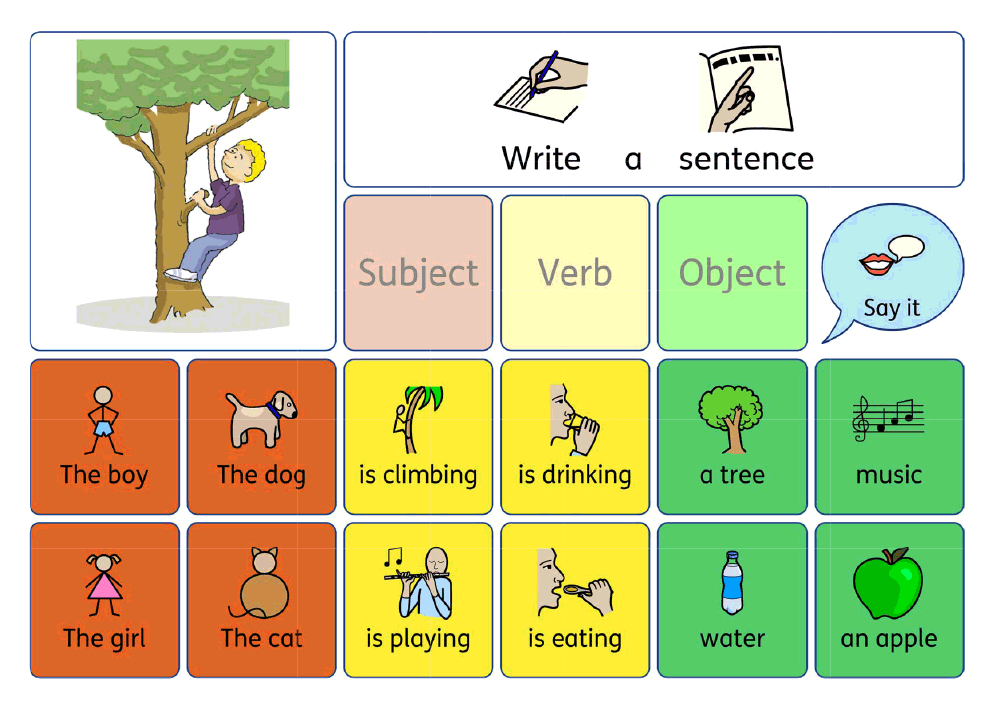
Design personalised symbol materials to print
With access to over 100,000 Widgit Symbols, 100s of editable templates and a range of powerful design features, InPrint 3 is the perfect tool to create visual supports and learning materials.
Start Free TrialCreate symbol materials in minutes!
Download now and join 1000s of teachers, parents and professionals who use InPrint 3 to support users of all ages, abilities and backgrounds.
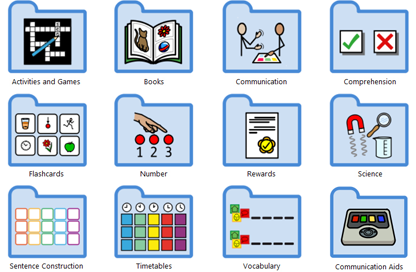
Editable Templates
Use 100s of editable templates as the perfect starting point for your projects. Simply open a template, add your content and print.
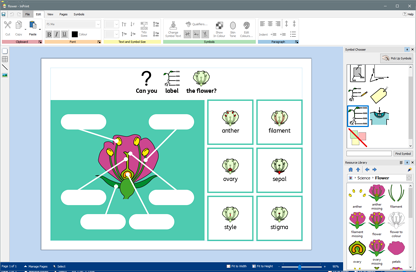
Powerful Design & Layout Features
Whether you are beginner or expert designer, powerful easy to use design features allow you to create materials in minutes.
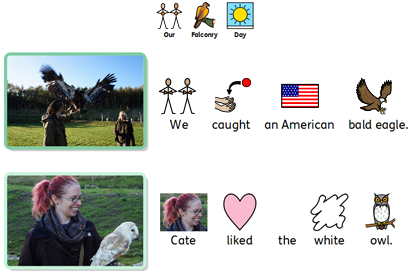
Import Your Own Pictures
Personalise materials for the people you are working with by adding your images from your machine or the web.
What can you make with InPrint 3?
Just about any piece of information, document or teaching resource can be made more accessible and inclusive when symbols are added so there really is no limit to what you can create with InPrint 3. Here are some popular examples of visual supports created by the Widgit community:
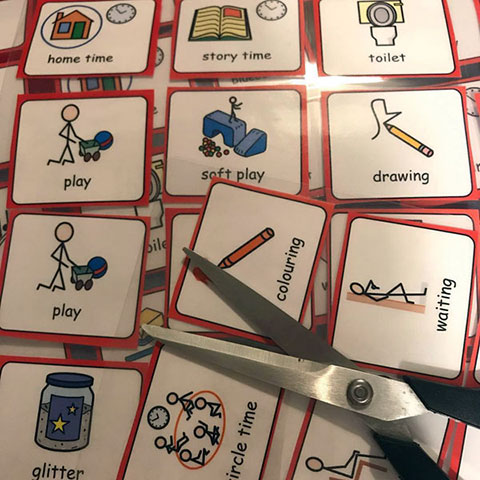
Flashcards
Flashcards are a great way to introduce new vocabulary to students, as well as being used as part of interactive activities.
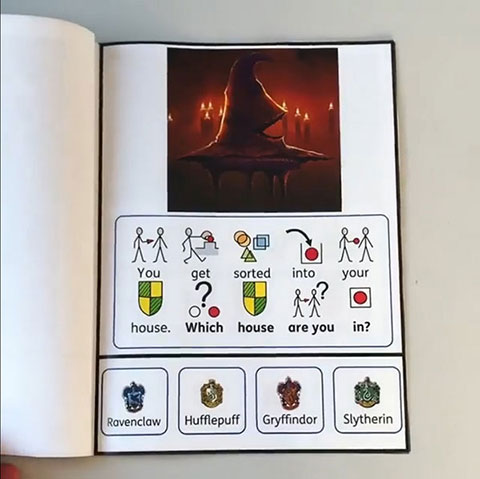
Supported Books
Make any story or information book more accessible by adding symbols to support literacy and student engagement.
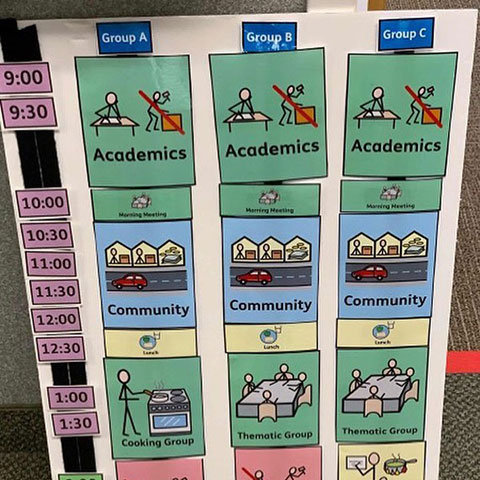
Visual Timetables
Support structure, routine and reduce anxiety with visual timetables detailing a sequence of activities.
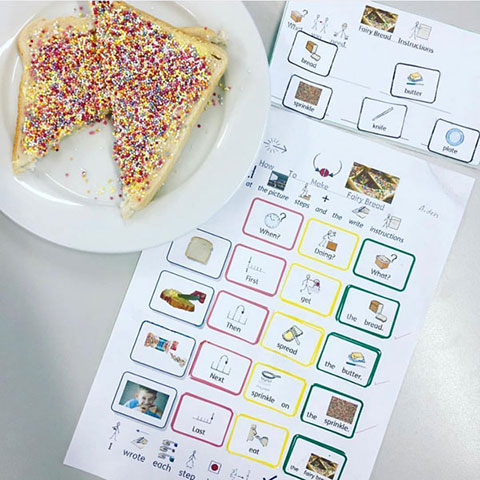
Colourful Semantics
Develop grammar and sentence construction skills with colourful semantics worksheets.
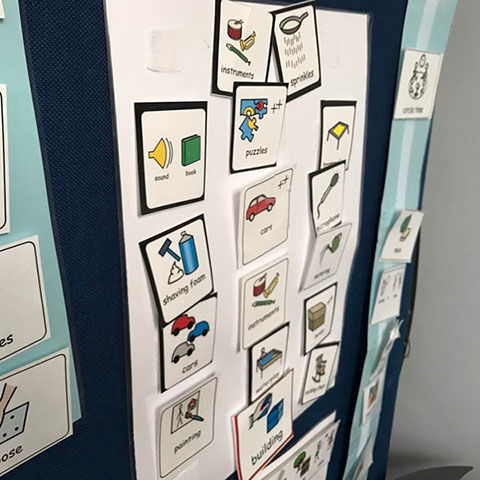
PECS Cards
PECS Cards allow individuals who struggle with communication to speak using pictures or symbols.
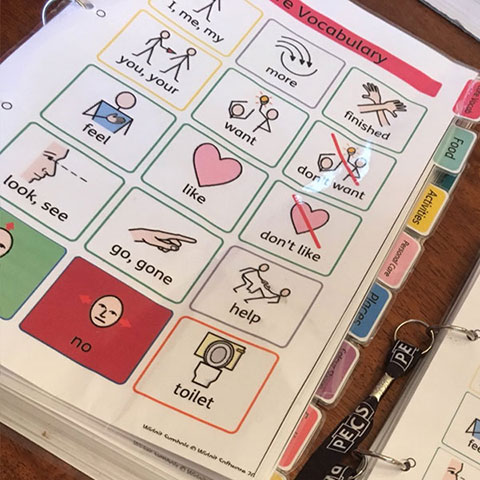
Communication Books
Create communication books to help individuals express themselves and communicate their needs and wants.
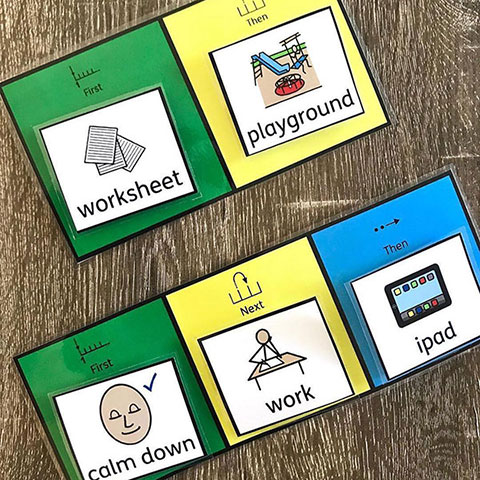
Now and Next Boards
'Now and Next' or 'First and Then' boards can be used as effective behavioural management aids.
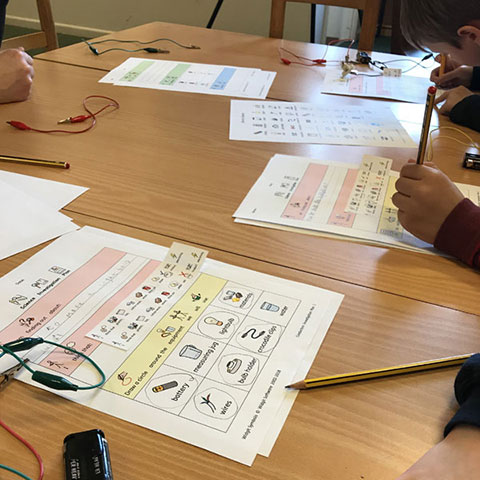
Classroom Materials
Ready-made differentiated worksheet to support students reading comprehension and recording of knowledge.
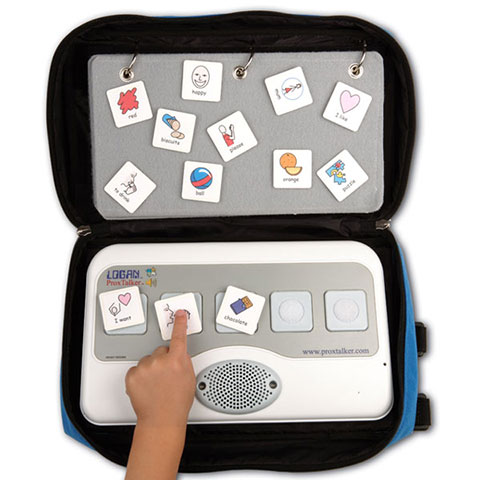
AAC Devices
Support communication with symbol tags or templates to use with a range of communication aids.
"I can't really quantify the impact of Widgit within the school without saying it's just amazing! Without having access to the symbols and the programs we would not be able to function as a school. These children would not be able to go through the day as they do independently."
Headteacher, Endeavour Academy - Autism Specialist School
Users of InPrint 3 and its predecessor Communicate: In Print 2
Powerful design and layout features
Automatic Symbolisation
Copy and paste text from an existing project or websites and see it automatically symbolise.
Change Skin Tone
Change the skin tones of any Widgit Symbol to make your materials more personal.

Save Default Symbols
Save your favourite symbols as default to improve consistency throughout your materials.
Smart Symboliser
Automatic sentence analysis helps find suitable symbols for your text.

Speech Feedback
Tweak the colour of any Widgit Symbol to make your content more relevant.
Export to PDF
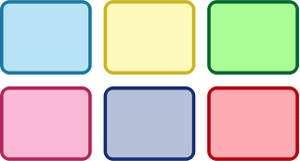
Highlight verbs and nouns in different colours to aid sentence construction.
Create Tables in Seconds
Create your own templates for PECS cards, flashcards, visual timetables and much more.
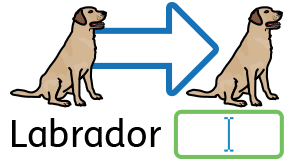
Add your own images
Add custom images from the machine or the web to personalise materials.

Network Friendly
Easily deploy InPrint 3 across your network making material sharing and collaboration simple.